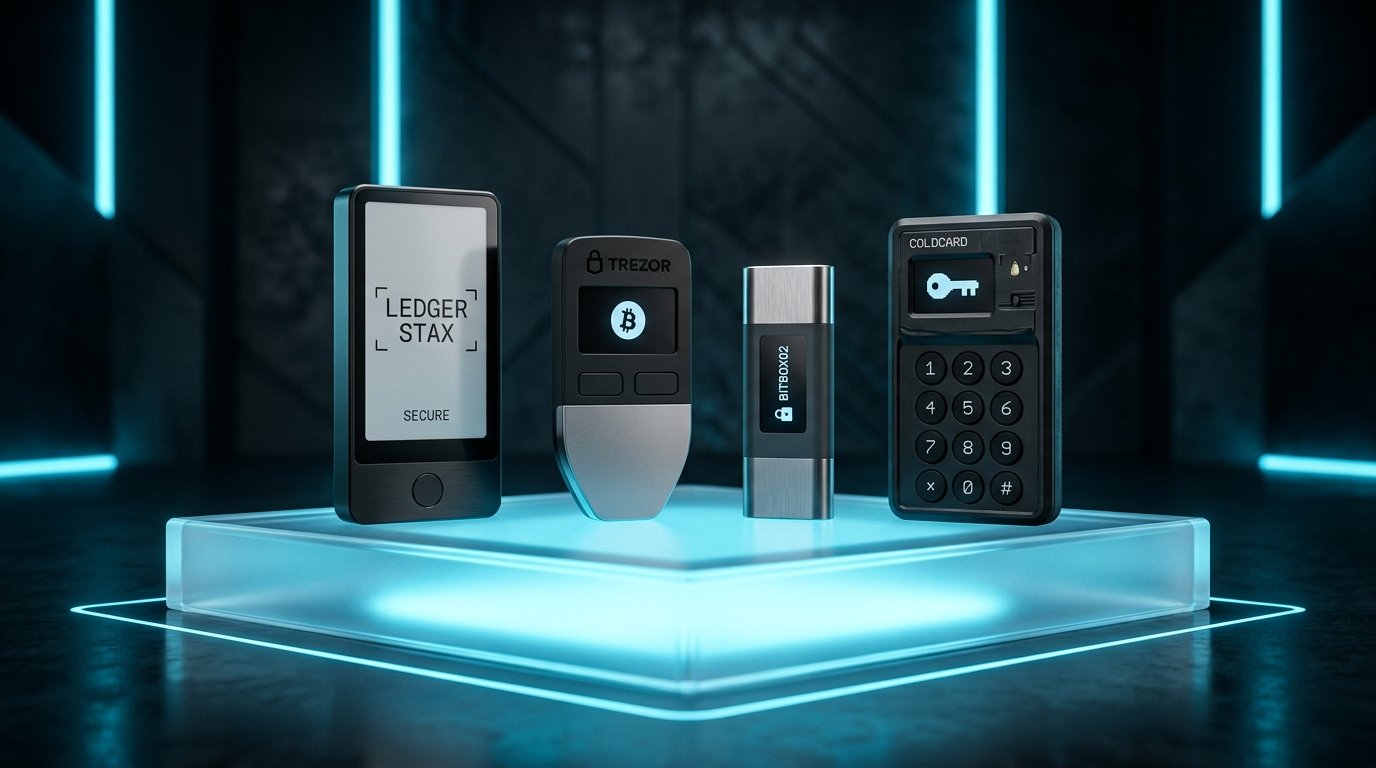
Cryptocurrency security becomes much more important once you start holding an amount that you would genuinely hate to lose.
Keeping a small amount of crypto in a mobile or browser wallet can be convenient. But for larger long-term holdings, many users consider moving their private keys into a hardware wallet.
I’ve found that the biggest misconception about hardware wallets is that simply buying one makes cryptocurrency completely safe. It doesn’t. A hardware wallet can reduce certain risks, but you still have to protect the recovery phrase, verify transactions, avoid phishing websites, and understand what you’re signing.
In this guide, I’ll compare several well-known hardware-wallet ecosystems, explain how hardware wallets work, discuss their security advantages and limitations, and help you understand what to look for when choosing one.
What Is a Hardware Wallet?
A hardware wallet is a dedicated physical device designed to protect cryptocurrency private keys and help users authorize blockchain transactions.
Instead of keeping private keys directly accessible to your everyday computer or smartphone, the device is designed to isolate sensitive key operations.
A typical transaction works roughly like this:
Your computer/phone → Wallet software → Hardware wallet → Transaction approval → Blockchain
The hardware wallet holds or protects the private keys needed to sign transactions.
Your computer may communicate with the device, but the goal is to keep the private key itself protected.
Why Use a Hardware Wallet?
The biggest reason is to reduce exposure to threats that exist on general-purpose devices.
Your laptop or smartphone may contain:
- Web browsers
- Games
- Apps
- Extensions
- Downloads
- Messaging software
- Other potentially vulnerable programs
A hardware wallet is designed specifically for cryptocurrency key management.
This creates a security boundary between your private keys and your everyday computing environment.
However, that boundary isn’t perfect.
A phishing attack can still trick you into approving the wrong transaction.
That’s why hardware-wallet security has two parts:
- Protecting the private keys.
- Making sure you authorize only legitimate transactions.
How Hardware Wallets Work
Let’s say you want to send cryptocurrency to another wallet.
You enter the transaction using compatible wallet software.
The transaction information is sent to your hardware wallet.
The device can then ask you to verify important details.
After you approve the transaction on the device, it uses the private key to produce a cryptographic signature.
The signed transaction is then broadcast to the blockchain.
The private key itself isn’t supposed to be exposed to the computer.
This is the basic security model that makes hardware wallets attractive for long-term storage.
Leading Hardware Wallet Options
There are several established hardware-wallet ecosystems.
For this comparison, we’ll look at:
- Ledger
- Trezor
- Keystone
- Other hardware-wallet considerations
The goal isn’t to declare one universal winner. Different users have different priorities.
Ledger Hardware Wallets


5
Ledger is one of the best-known hardware-wallet manufacturers.
Its product range has included devices designed for different levels of portability, screen size, and user experience.
Strengths
Ledger devices are known for:
- Broad cryptocurrency support
- Mature hardware-wallet ecosystem
- Dedicated security hardware
- Integration with wallet software
- Different device form factors
- Strong focus on secure key management
One of the biggest advantages is ecosystem maturity.
For someone who wants to interact with multiple blockchain networks, compatibility can be an important consideration.
Things to Consider
A hardware wallet can still be used incorrectly.
You need to:
- Secure the recovery phrase
- Verify the device during setup
- Download software from legitimate sources
- Carefully inspect transaction details
- Avoid malicious dApps
The broader the ecosystem, the more important it becomes to understand exactly what you’re approving.
Trezor Hardware Wallets


4
Trezor is another long-established hardware-wallet manufacturer.
Trezor has historically placed significant emphasis on transparency and open-source components within its wallet ecosystem.
Strengths
Trezor devices are known for:
- Strong security focus
- User-friendly setup
- Large community
- Open-source software emphasis
- Clear transaction verification
- Different device options
For users who value inspectable software and a straightforward interface, Trezor can be attractive.
Things to Consider
As with any hardware wallet, the device itself isn’t the entire security system.
You still need to protect:
- Recovery phrase
- Device PIN
- Computer
- Wallet software
- Transaction approvals
If someone obtains your recovery phrase, the hardware device doesn’t save you.
Keystone Hardware Wallets


5
Keystone takes a somewhat different approach to hardware-wallet interaction, including QR-code-based workflows on supported devices.
This can reduce the need for certain direct connections between the hardware device and a computer or phone.
Strengths
Depending on the model and supported setup, users may appreciate:
- Large touchscreen interface
- QR-code transaction workflows
- Air-gapped-style operation
- Multi-chain support
- Clear transaction display
A larger screen can also make it easier to inspect addresses and transaction information than on tiny hardware-wallet displays.
Things to Consider
The user experience may be different from traditional USB-connected hardware wallets.
Before purchasing, check whether the wallet supports:
- Your cryptocurrencies
- Your preferred mobile wallet
- Your preferred DeFi applications
- Your required blockchain networks
Compatibility should always be checked before moving funds.
Hardware Wallet Comparison
| Feature | Ledger | Trezor | Keystone |
|---|---|---|---|
| Hardware wallet | Yes | Yes | Yes |
| Long-established ecosystem | Yes | Yes | Yes |
| Multiple blockchain support | Broad | Broad | Broad |
| Touchscreen options | Available on some models | Available on some models | Yes |
| QR-based workflows | Model/software dependent | Model/software dependent | Major feature |
| Open-source emphasis | Varies by component | Strong | Varies by component |
| Mobile use | Supported | Supported | Supported |
| Desktop use | Supported | Supported | Supported |
| Best for | Broad ecosystem | Transparency-focused users | Touchscreen/QR workflows |
Important: Features vary by specific model and firmware version. Always check current manufacturer documentation before purchasing or transferring funds.
What Makes a Hardware Wallet Secure?
A good hardware wallet isn’t secure because it looks expensive.
Several technical and practical factors matter.
1. Secure Key Storage
The device should be designed to protect private keys from unauthorized extraction.
2. Secure Transaction Signing
The private key should remain protected while transactions are signed.
3. Device Verification
You should be able to verify that you’re interacting with the genuine device and legitimate software.
4. Secure Firmware
Firmware is an important part of the security model.
Keep your device updated according to the manufacturer’s official instructions.
5. Transaction Display
A good hardware wallet should give you enough information to understand what you’re approving.
A larger screen can be especially useful when verifying addresses and transaction details.
Hardware Wallet vs. Software Wallet
Here’s the basic difference:
| Feature | Software Wallet | Hardware Wallet |
|---|---|---|
| Installed on | Phone/computer/browser | Dedicated physical device |
| Convenience | Very high | Moderate |
| Private-key exposure risk | Higher | Designed to reduce it |
| Daily transactions | Excellent | Less convenient |
| Long-term storage | Depends on setup | Well suited |
| Physical device required | No | Yes |
| Phishing protection | Limited | Helps, but doesn’t eliminate phishing |
| Recovery phrase | Required | Required |
A hardware wallet isn’t necessarily better for every transaction.
If you’re constantly moving small amounts of crypto, a software wallet may be more convenient.
For long-term holdings, hardware wallets can make more sense.
The Recovery Phrase Is Still the Most Important Part
This is where many beginners misunderstand hardware wallets.
Imagine you purchase a $200 hardware wallet.
You set everything up perfectly.
Then you write the recovery phrase on paper and leave it on your desk.
Someone photographs it.
Your hardware wallet is still sitting safely in your drawer.
But the attacker may now have the information needed to restore the wallet elsewhere.
The hardware wallet didn’t fail.
The recovery-phrase security failed.
That’s why your recovery phrase should generally be:
- Offline
- Private
- Carefully backed up
- Protected from physical damage
- Never uploaded to the internet
Never type it into a random website.
Never Buy a Used Hardware Wallet
For a security-sensitive device, buying used hardware can introduce unnecessary risks.
A device may have:
- Been modified
- Been tampered with
- Been initialized previously
- Come with a compromised recovery phrase
- Been packaged deceptively
For meaningful cryptocurrency holdings, purchase from the manufacturer’s official channels or properly authorized sources.
Follow the manufacturer’s instructions for verifying the device during setup.
What If the Hardware Wallet Is Lost?
Losing the physical device doesn’t necessarily mean losing your cryptocurrency.
If you have your recovery phrase and the wallet’s supported recovery process is available, you can generally restore the wallet on a compatible device.
This is one of the major advantages of recovery-based wallet architecture.
But this also demonstrates why the recovery phrase is so important.
Device lost + recovery phrase safe = potentially recoverable
Device lost + recovery phrase lost = potentially permanent loss
What If Someone Steals Your Hardware Wallet?
A thief who steals the device may not automatically have access to your funds.
Hardware wallets typically use security mechanisms such as PIN protection.
However, you should still treat a stolen device seriously.
If you have reason to believe the device or recovery information has been compromised, follow the manufacturer’s security and recovery guidance and consider moving assets to a newly generated wallet when appropriate.
Hardware Wallets Don’t Stop Every Phishing Attack
This deserves special attention.
Suppose you visit a fake DeFi website.
It asks you to connect your hardware wallet.
You connect it.
The website creates a malicious transaction.
Your hardware wallet asks:
“Approve transaction?”
You press the button without reading the details.
The hardware wallet has successfully done its job: it securely signed the transaction you approved.
But you approved the wrong transaction.
That’s why hardware-wallet users should develop the habit of reading the device screen carefully.
Verify Addresses on the Device
Never rely exclusively on what your computer screen displays.
When sending a significant amount, verify the destination address using the hardware wallet’s own trusted display when supported.
This helps protect against certain malware scenarios where the address shown on your computer may differ from what you intended.
For large transfers, take your time.
A few seconds spent comparing the address can be worth considerably more than rushing the transaction.
Use a Separate Wallet for DeFi
If you’re actively experimenting with new decentralized applications, consider using a separate wallet.
For example:
Cold-storage wallet
Used for:
- Long-term Bitcoin
- Long-term Ethereum
- Major holdings
DeFi wallet
Used for:
- Swapping tokens
- NFT applications
- New protocols
- Experimental dApps
This separation limits the amount of capital exposed to potentially risky interactions.
You can still use a hardware wallet with both setups, but the wallets should have different purposes and recovery credentials.
What Features Should You Look For?
When choosing a hardware wallet, don’t focus only on price.
Consider these factors.
Cryptocurrency Support
Does it support the exact networks and assets you actually use?
Screen Quality
Can you comfortably verify addresses and transaction details?
Connection Method
Does it use USB, Bluetooth, QR codes, or another communication method?
Choose the workflow you’re comfortable using securely.
Software Compatibility
Can it work with the wallet applications and dApps you need?
Recovery Options
Understand exactly how wallet recovery works before storing significant funds.
Firmware and Update Process
Look at how the manufacturer handles firmware updates and security announcements.
Physical Durability
A wallet that survives years of normal use can be useful, but durability shouldn’t replace good backup practices.
Common Hardware Wallet Mistakes
Even experienced crypto users can make operational mistakes.
Mistake 1: Keeping the Seed Phrase With the Device
If someone steals both, you’ve created a much bigger problem.
Mistake 2: Taking a Photo of the Recovery Phrase
This creates a digital copy that may eventually become exposed.
Mistake 3: Installing Fake Wallet Software
Always verify the software source.
Mistake 4: Blindly Approving Transactions
A hardware wallet doesn’t know whether you personally intended to make a transaction.
Mistake 5: Buying From Random Sellers
Security-sensitive hardware shouldn’t be treated like an ordinary used gadget.
Mistake 6: Ignoring Firmware Warnings
Don’t postpone important security updates indefinitely.
Mistake 7: Testing With Your Entire Portfolio
When learning a new wallet or blockchain, start with a small amount.
How I Would Set Up a Hardware Wallet
For someone new to self-custody, I’d keep the process simple.
Step 1: Purchase From a Trusted Source
Avoid questionable marketplaces and used devices.
Step 2: Inspect the Device
Follow the manufacturer’s verification instructions.
Step 3: Initialize It Yourself
Don’t use a recovery phrase supplied by another person.
Step 4: Write Down the Recovery Phrase
Keep it offline.
Step 5: Verify the Backup
Carefully check the words and order.
Step 6: Install Official Software
Download it through a verified source.
Step 7: Test With a Small Amount
Before transferring a large portfolio, learn how receiving, sending, and recovery work.
Step 8: Transfer Long-Term Holdings
Only after you’re comfortable with the entire process.
Which Hardware Wallet Is Best?
There isn’t a universal winner.
Choose Ledger If:
You prioritize a mature ecosystem, broad compatibility, and multiple device form factors.
Choose Trezor If:
You value its established ecosystem and strong open-source software philosophy.
Choose Keystone If:
You prefer touchscreen interaction and QR-based transaction workflows.
But don’t choose based purely on a brand comparison.
Ask:
Does this device support the assets I own?
Can I use it with the applications I need?
Do I understand its recovery process?
Am I comfortable verifying transactions on the device?
Those questions are more important than small differences in price.
Hardware Wallet Security Checklist
Before storing significant cryptocurrency, check the following:
- Bought the device from a trusted source
- Initialized the device myself
- Never used a pre-generated seed phrase
- Wrote down the recovery phrase offline
- Never photographed the recovery phrase
- Never uploaded the phrase to cloud storage
- Created a secure physical backup
- Installed legitimate wallet software
- Enabled the appropriate device security features
- Tested a small transaction first
- Learned how to verify addresses
- Understand transaction approvals
- Keep long-term funds separate from risky dApps
- Have a recovery plan if the device is lost
Final Thoughts
A hardware wallet can be an important part of a cryptocurrency security strategy, especially for users holding assets for the long term.
Ledger, Trezor, and Keystone all take different approaches to hardware-wallet design and user experience. The right choice depends on the cryptocurrencies you use, the applications you interact with, your preferred connection method, and how comfortable you are with the device’s security workflow.
But remember the most important point:
The hardware wallet is only one part of the security system.
Your recovery phrase, computer, browser, transaction habits, and ability to recognize phishing attempts all matter.
For valuable crypto holdings, the strongest approach isn’t simply buying the most expensive device. It’s building a complete system where your private keys remain protected, your recovery information stays offline, and every important transaction is carefully verified before you approve it.